
Run Claude Code From Your Phone with tmux and Tailscale
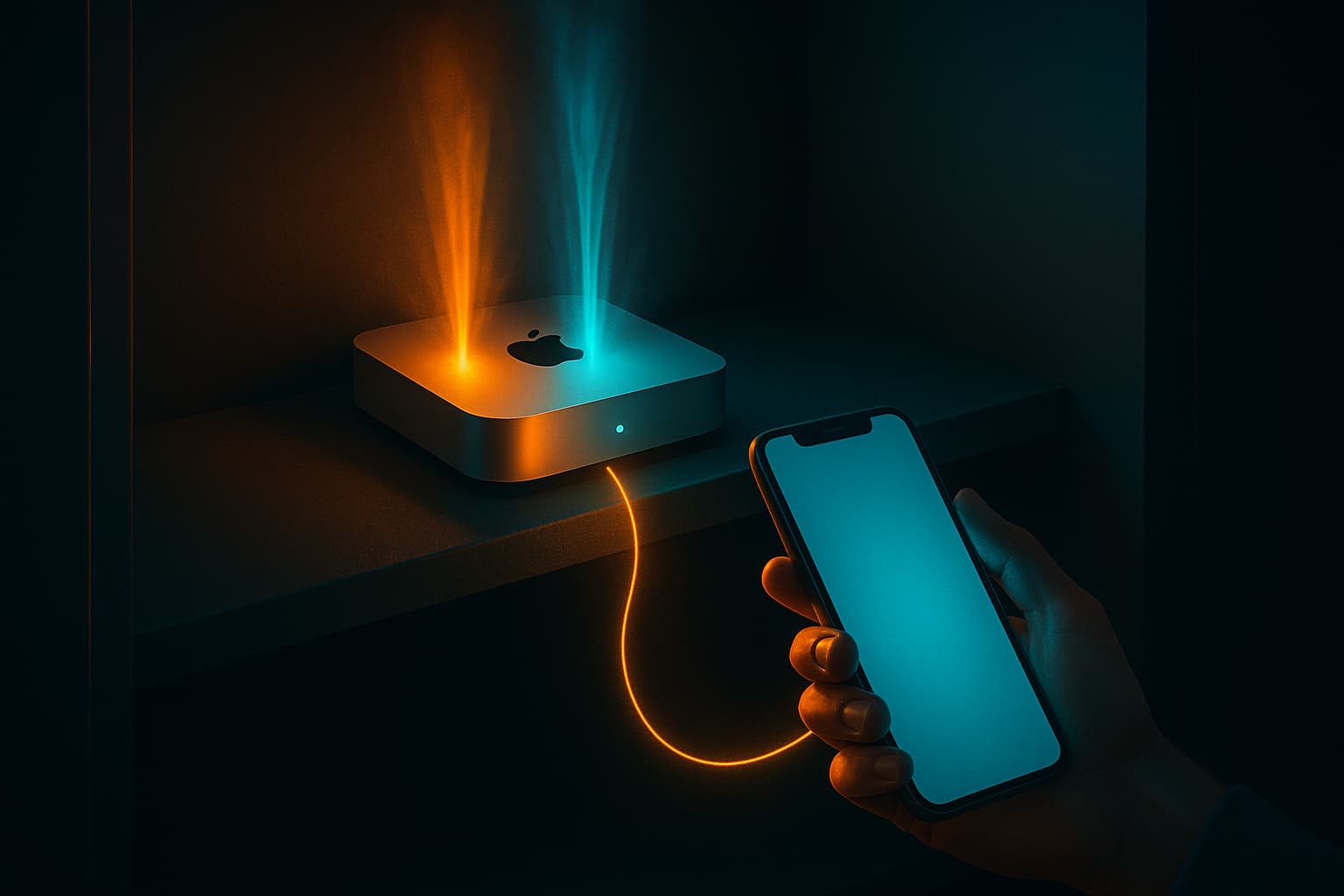
Someone built The OpenClaws: a little claw that holds your MacBook lid open so your agents keep running while you walk away. It's a joke on the OpenClaw crowd, and it's also a real product people are buying, which tells you something.
The claw is a good gag about a real problem. You kicked off four agents, they are going to work for the next forty minutes, and you are stuck sitting next to the machine that is doing it. That's not what any of this was supposed to feel like.
The fix is not a better clamp. It's a machine that was never going to close its lid in the first place, plus a way to reach it from whatever device is already in your pocket.
Four pieces: a box that stays on, tmux for persistence, your coding harness, and a private network. The rest is polish.
Step 1: pick a box and tell it to never sleep
An old laptop works. A Mac mini works better because you can shove it somewhere and forget it exists. Mine sits in a closet with no monitor, no keyboard, and no mouse.
The one setting that actually matters is sleep. A machine that naps is a machine your agent dies on.
# Never sleep, never sleep the disk, never sleep the display
sudo pmset -a sleep 0 displaysleep 0 disksleep 0

# Come back up on its own after a power blip
sudo pmset -a autorestart 1

# Confirm
pmset -g
You want sleep 0 in that output. On my closet machine it reads sleep 0 (sleep prevented by powerd, caffeinate), because a long-running job holds a caffeinate -i lock on top of the system setting. Belt and suspenders.
Then turn on SSH, since there is no keyboard attached to type anything on:
sudo systemsetup -setremotelogin on
Step 2: install the toolchain once
This is every top-level Homebrew package on the closet mini, straight out of brew leaves:
age  colima  docker  docker-compose  ffmpeg  gh  git
node  pnpm  ripgrep  rsync  tmux  uv  vale  whisper-cpp
Yours will differ. The pipeline that builds this blog needs uv and vale, and ffmpeg and whisper-cpp are there because I feed it audio. The parts that matter for this setup are tmux, git, gh, and whatever runtime your projects need:
brew install tmux git gh node pnpm uv ripgrep
Install these once and stop thinking about them. The whole point of a dedicated box is that its environment stops drifting the way your laptop's does.
Step 3: tmux, because SSH sessions die
This is the piece that makes the rest work. tmux keeps your terminal session alive on the server even when your client disconnects, which happens constantly on a phone. You walk into an elevator, the connection drops, and the agent keeps going because it was never running on your phone.
My entire tmux config is one line, and it earns its place:
echo 'set -g mouse on' >> ~/.tmux.conf
Mouse mode means scroll gestures work. On a phone that is the difference between reading an agent's output and fighting it.
The three commands you need:
tmux new -s my-fun-project     # start a named session
                               # ctrl-b then d to detach and walk away
tmux ls                        # what is running right now
tmux attach -t my-fun-project  # pick up exactly where you left off
Name sessions after the project, not 0 and 1. When I attach from a phone I want to know what I am looking at before I read a single line, and my-fun-project tells me that where 0 does not.
Step 4: put your harness on it
I use Claude Code here. Codex works the same way, and so does anything else that runs in a terminal. That's the only real constraint. If it runs in a terminal, this works.
curl -fsSL https://claude.ai/install.sh | bash
claude --version
The native installer drops a claude shim in ~/.local/bin pointing at a versioned directory, so updates do not disturb anything else on the box.
One thing worth deciding before you walk away: how the agent handles permissions when nobody is watching. Tapping approve on a phone every ninety seconds defeats the purpose, so you are going to reach for --permission-mode auto or skip permissions entirely. If you skip them, put hooks and a tight allowlist underneath first. An unsupervised agent with full permissions is a different risk profile than the same agent with you sitting in front of it, and the closet machine is exactly where that difference shows up.
Step 5: Tailscale, not port forwarding
Now the machine needs to be reachable. What you do not want is SSH on a forwarded port facing the open internet.
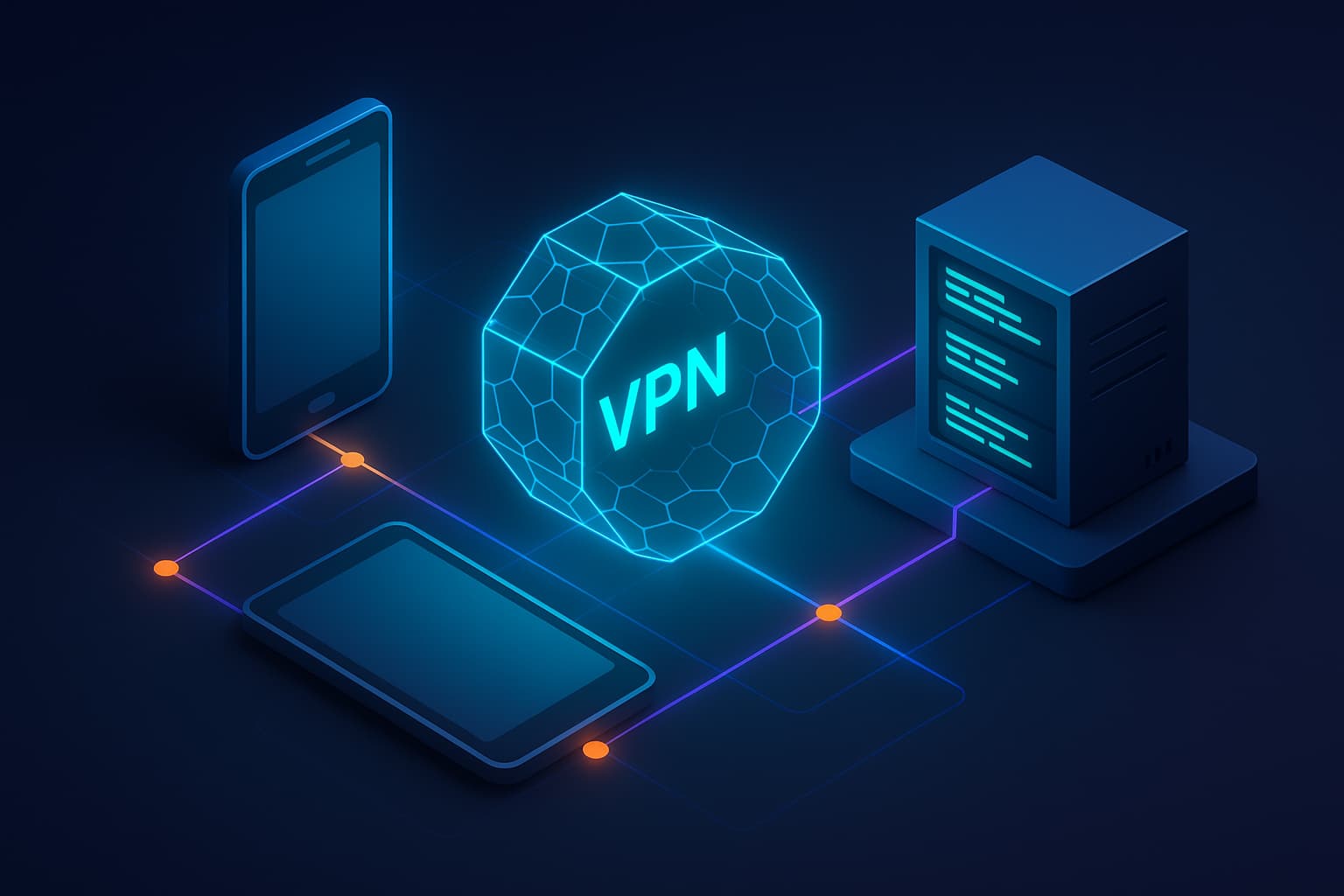
Tailscale builds a small WireGuard network out of your own devices. Each one authenticates to your account, they talk directly to each other, and nothing is exposed publicly. Install the macOS app, then:
tailscale up
tailscale status
tailscale status lists your tailnet. Mine is four rows: the mini, an iPad, an iPhone, and a MacBook that has been offline for 158 days, which is its own kind of answer to whether this works.
Install it on your phone and tablet too. From that point on, ssh you@your-mini resolves from any of them with zero ports open anywhere. If you would rather not manage SSH keys at all, tailscale up --ssh puts Tailscale's identity layer in front of SSH instead.
Step 6: the clients you actually touch
Two apps, two jobs.
One is the terminal you live in. I use Termius on both the iPhone and the iPad. It syncs SSH keys across devices, so setting up a new one is a login rather than a key-generation ceremony. Any SSH client works, but key sync is the feature that decides whether you're still doing this in month two.
The other is a screen, for the times something wants a real GUI. Usually that's an OAuth flow that insists on a browser, or a system dialog nobody can click. macOS Screen Sharing is built in and free, and Screens is the nicer paid client on a Mac or iPad. You'll open it about once a week and be glad it was already set up.
What the loop actually feels like
I am in line somewhere. Phone out, Termius, tmux attach -t my-fun-project. Read the last screen of output, decide, dictate the next instruction, lock the phone, keep walking. The build runs on a machine in a closet at home, which I have not physically touched in weeks.
That's the whole loop. Most of my personal coding now happens from an iPad or a phone. I have not sat down at a MacBook for side project work in a long time. Work laptops are their own story, with real security reasons behind them, but your personal setup has no such excuse.
The part I did not expect
Voice input should be worse than typing. It isn't, and the reason took me a while to see.
We are not fitting semicolons on lines to keep a compiler happy anymore. We are handing rough intent to an agent. Rough intent survives dictation just fine, including the false starts and the backtracking.
What carries the quality isn't the polish of any single prompt. It's the templates underneath, the skills and commands that encode how good work gets done in your repo. When those exist, "write this up as a post" is a complete instruction, because the structure lives in the template rather than in the thing you said out loud.
Which is a nice way of saying: the effort moves from prompting to building the scaffolding you prompt into. Do that work at a desk, on a keyboard, once. Then spend the rest of it from the sofa.
This post is the demonstration. It started as me talking at an iPad, went through a pipeline command I wrote months ago, and got built on the mini in the closet while I sat on a couch and did not supervise it.
I also run this same access pattern through a pair of Even Realities G2 glasses, using Even Terminal to get a terminal onto the display. That setup is different enough that it deserves its own post. That one is coming.
Give your setup a look
Go count the hours you spent this month sitting next to a machine because that is where the agents were running. It's more than you think, and almost none of it was you doing anything.
I got rid of the desk when I moved. There is no desk in this apartment. Nothing about the way I work now needed one.

Staff engineer at Airbnb, writing from Hoboken, NJ. Everything here is something I actually run.